
Choosing the Best Document Scanner App in 2026
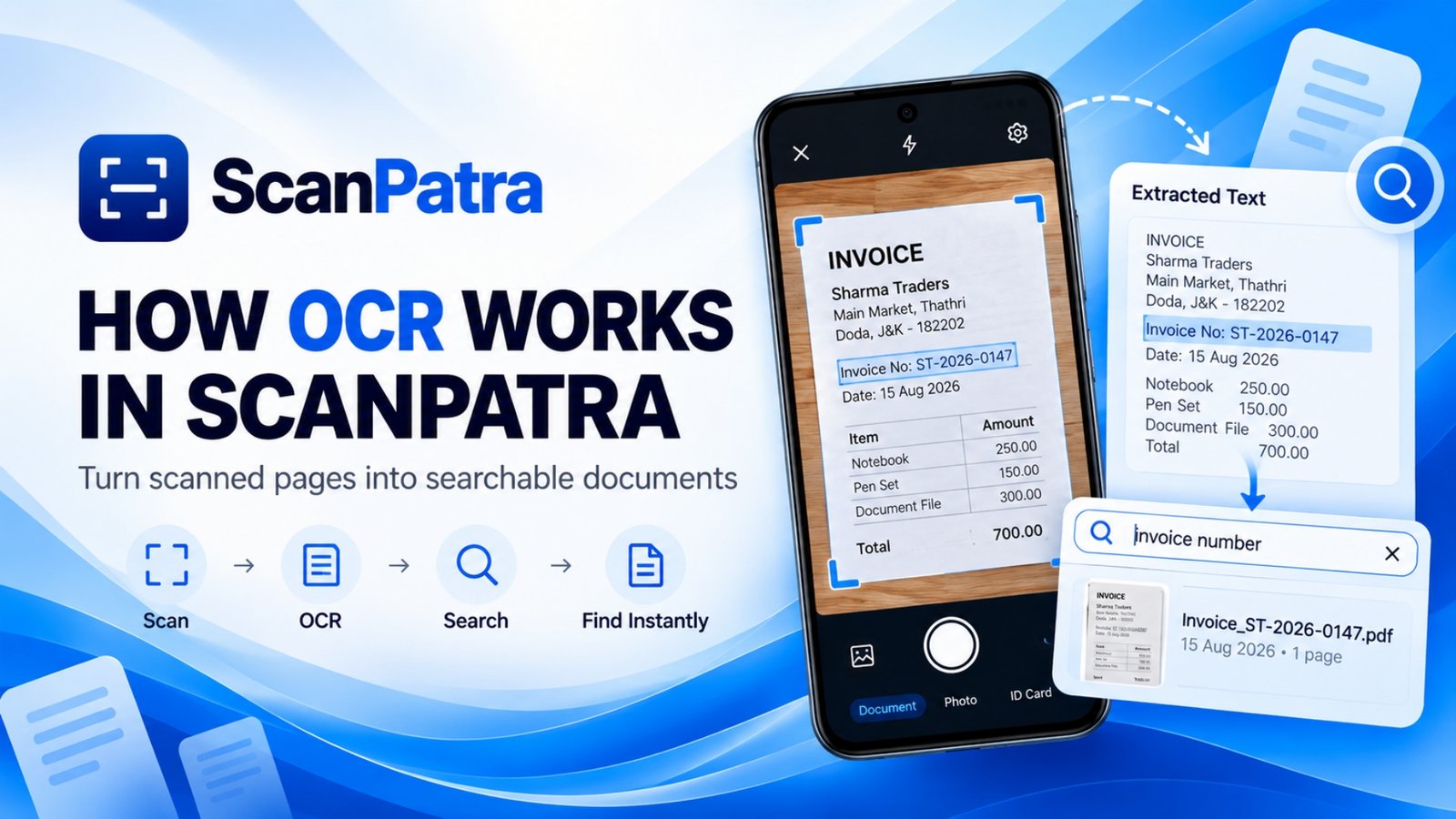
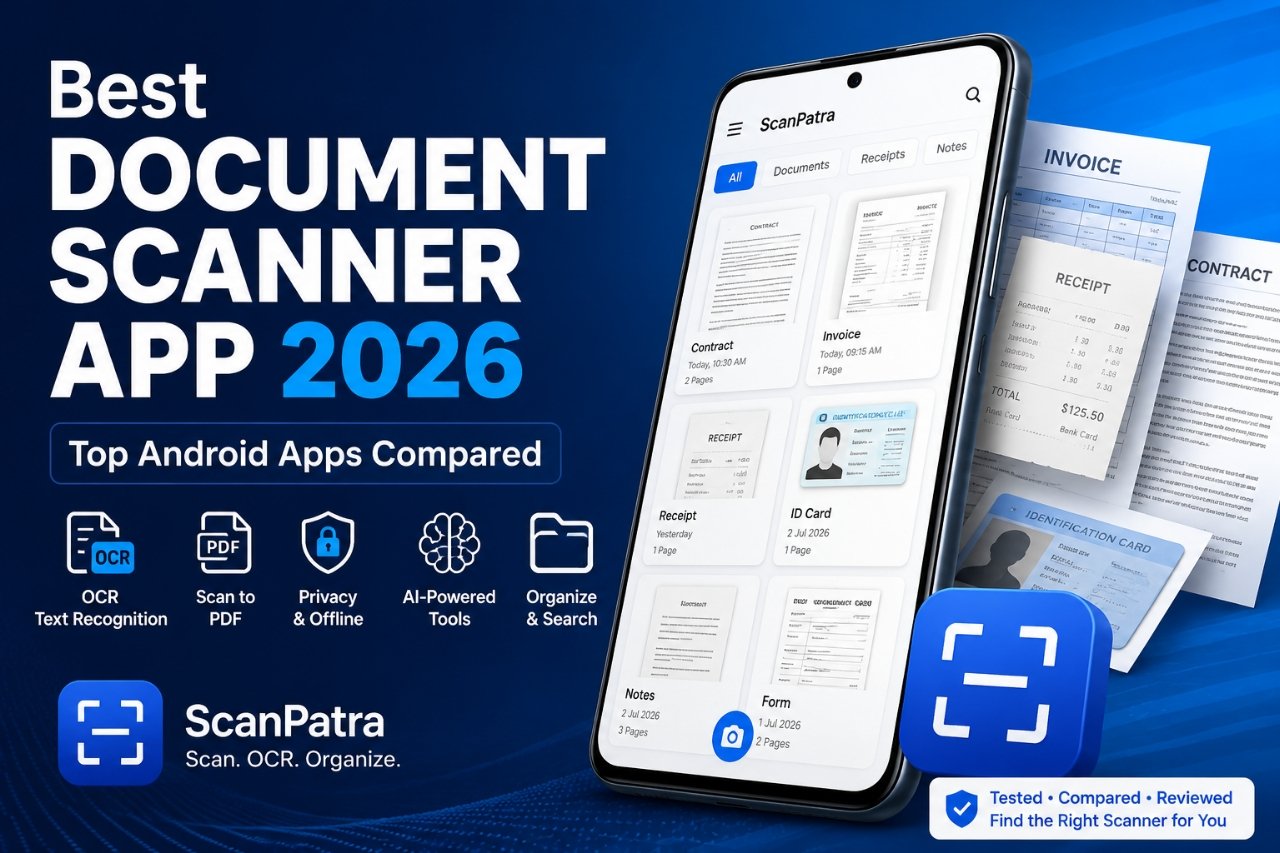
Finding the Best Document Scanner App 2026 is no longer just about creating PDFs. Modern scanner apps now offer OCR, AI-powered document extraction, searchable archives, cloud synchronization, offline storage, and document organization.
Whether you scan receipts, invoices, ID cards, contracts, handwritten notes, or study material, the right scanner app can save time and improve productivity. The challenge is that many apps now rely on subscriptions, cloud accounts, or advertisements, making it harder to choose the right solution.
This guide compares the leading Android document scanner apps based on real-world features that matter most:
- Scan quality
- OCR accuracy
- PDF export
- AI capabilities
- Offline support
- Privacy
- Advertisements
- Pricing
- Ease of use
- Document organization
If you're also looking for ways to improve scan quality, you may find our guide on how to scan documents clearly on Android helpful.
Quick Comparison
ScanPatra
| Feature | Details |
|---|---|
| Free Version | Yes |
| OCR | Yes |
| AI Features | Yes |
| Offline Support | Yes |
| Ads | No |
| Subscription | Optional |
Adobe Scan
| Feature | Details |
|---|---|
| Free Version | Yes |
| OCR | Yes |
| AI Features | Limited |
| Offline Support | Partial |
| Ads | No |
| Subscription | Yes |
CamScanner
| Feature | Details |
|---|---|
| Free Version | Yes |
| OCR | Yes |
| AI Features | Limited |
| Offline Support | Partial |
| Ads | Yes |
| Subscription | Yes |
Google Drive
| Feature | Details |
|---|---|
| Free Version | Yes |
| OCR | Basic |
| AI Features | No |
| Offline Support | No |
| Ads | No |
| Subscription | Free |
Genius Scan
| Feature | Details |
|---|---|
| Free Version | Yes |
| OCR | Premium |
| AI Features | No |
| Offline Support | Yes |
| Ads | No |
| Subscription | Yes |
SwiftScan
| Feature | Details |
|---|---|
| Free Version | Limited |
| OCR | Premium |
| AI Features | No |
| Offline Support | Yes |
| Ads | No |
| Subscription | Yes |
iScanner
| Feature | Details |
|---|---|
| Free Version | Limited |
| OCR | Premium |
| AI Features | Yes |
| Offline Support | Partial |
| Ads | No |
| Subscription | Yes |
ABBYY FineScanner
| Feature | Details |
|---|---|
| Free Version | Limited |
| OCR | Excellent |
| AI Features | No |
| Offline Support | Partial |
| Ads | No |
| Subscription | Premium |
What Makes the Best Document Scanner App?
Not every scanner app serves the same audience. Students may prioritize free OCR, while professionals may need searchable PDFs and folder organization. Businesses often require privacy, offline access, and batch scanning.
The best scanner app should offer:
- Accurate automatic edge detection
- High-quality PDF generation
- Reliable OCR
- Fast document search
- Offline scanning
- Secure local storage
- Multi-page scanning
- Easy document organization
- Optional cloud backup instead of mandatory cloud storage
Privacy matters. If you regularly scan sensitive documents such as IDs, financial records, or legal papers, an app that supports offline storage provides greater control over your data.
ScanPatra
Best for Privacy, AI Features, and Local Document Management
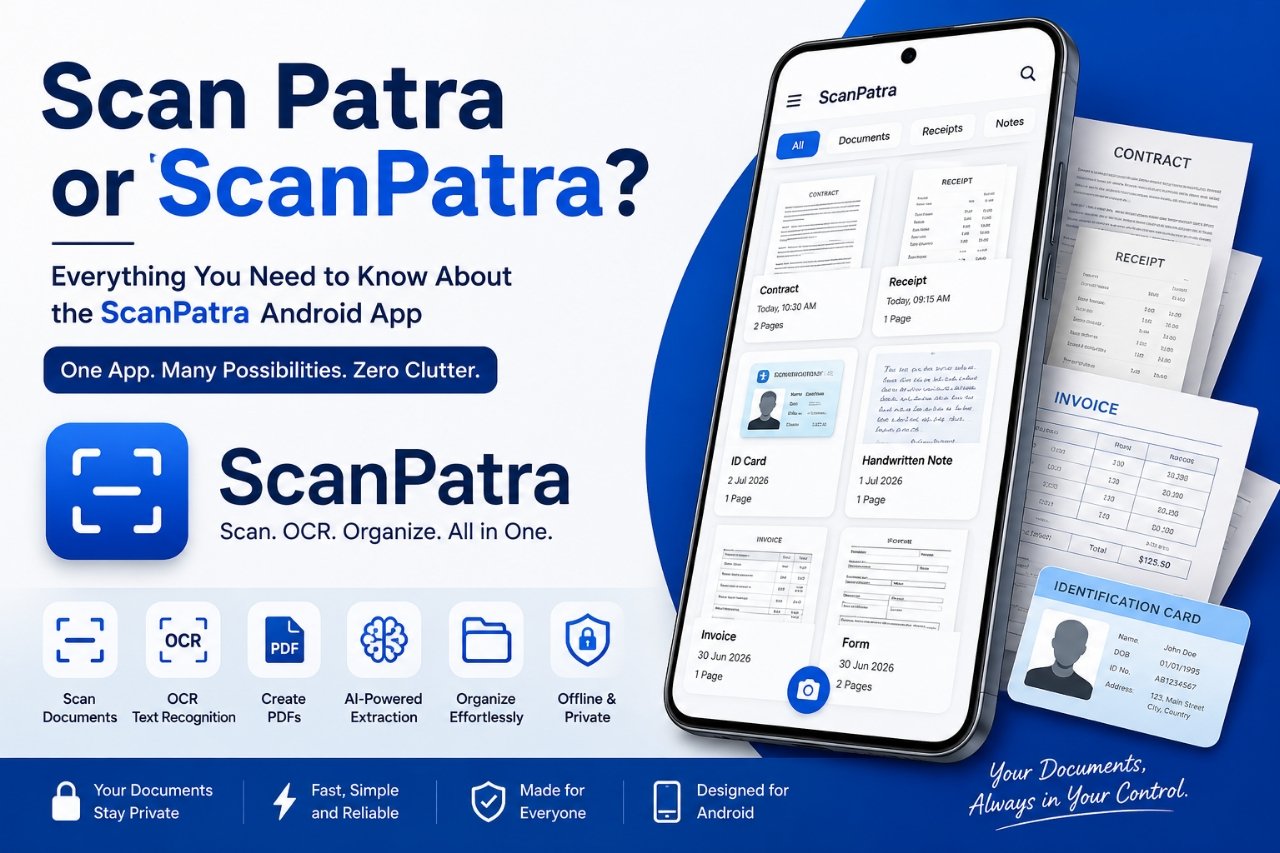
ScanPatra combines document scanning, OCR, AI-assisted extraction, PDF creation, and document organization into one Android application.
Unlike many scanner apps that depend heavily on cloud services, ScanPatra emphasizes an offline-first workflow while still providing AI-powered tools when needed.
Highlights
- Smart edge detection
- OCR text recognition
- AI document extraction
- Search scanned documents
- Folder organization
- Multi-page PDF scanning
- Receipt scanning
- Prescription scanning
- Local document storage
- Modern Material Design interface
Pros
- Clean and modern interface
- No intrusive advertisements
- Fast scanning performance
- Strong local document search
- Offline-first workflow
- AI-powered document extraction
- Suitable for students and professionals
Cons
- Smaller ecosystem than long-established competitors
- Newer platform with a growing feature set
If you frequently work with scanned documents, our guides on OCR for scanned documents and organizing scanned PDFs on Android provide additional tips.
Adobe Scan
Best Free Scanner for Adobe Users
Adobe Scan continues to be one of the strongest free scanner apps available. Automatic edge detection and OCR are reliable, especially for printed documents.
Pros
- Excellent scan quality
- Reliable OCR
- Searchable PDFs
- Strong Adobe ecosystem
Cons
- Adobe account required
- Advanced editing requires subscription
- Best suited for users already invested in Adobe services
CamScanner
Best for Advanced Scanning Features
CamScanner remains one of the most feature-rich document scanning apps available.
Pros
- Batch scanning
- Good OCR
- Cloud synchronization
- Extensive editing features
Cons
- Advertisements in free version
- Watermarks
- Frequent subscription prompts
- Some users continue to prefer alternatives because of previous security concerns
Google Drive Scanner
Best Built-in Scanner
Google Drive includes a simple document scanner that works well for occasional scanning.
Pros
- Free
- Integrated into Google Drive
- Simple PDF generation
Cons
- Limited editing
- Basic OCR
- Minimal document management
SwiftScan
Best Premium Interface
SwiftScan focuses on producing excellent scan quality with a polished user experience.
Pros
- Fast scanning
- Excellent PDF quality
- Attractive interface
Cons
- Most advanced features require a subscription
Genius Scan
Best for Business Documents
Genius Scan is widely used by professionals who regularly scan invoices and business paperwork.
Pros
- Batch scanning
- Good export options
- Reliable document management
Cons
- OCR requires premium subscription
ABBYY FineScanner
Best OCR Accuracy
ABBYY has built a strong reputation for OCR performance, particularly when working with multilingual printed documents.
Pros
- Excellent OCR
- Multiple language support
Cons
- Premium pricing
OCR Comparison
ABBYY FineScanner
| Feature | Details |
|---|---|
| OCR Quality | Excellent |
Adobe Scan
| Feature | Details |
|---|---|
| OCR Quality | Excellent |
ScanPatra
| Feature | Details |
|---|---|
| OCR Quality | Very Good |
CamScanner
| Feature | Details |
|---|---|
| OCR Quality | Very Good |
Genius Scan
| Feature | Details |
|---|---|
| OCR Quality | Good |
Google Drive
| Feature | Details |
|---|---|
| OCR Quality | Basic |
Privacy Comparison
ScanPatra
| Feature | Details |
|---|---|
| Local Storage | Yes |
| Cloud Required | No |
Adobe Scan
| Feature | Details |
|---|---|
| Local Storage | Partial |
| Cloud Required | Often |
CamScanner
| Feature | Details |
|---|---|
| Local Storage | Partial |
| Cloud Required | Often |
Google Drive
| Feature | Details |
|---|---|
| Local Storage | No |
| Cloud Required | Yes |
SwiftScan
| Feature | Details |
|---|---|
| Local Storage | Yes |
| Cloud Required | Optional |
Users who regularly scan confidential records should consider whether documents remain on-device or are automatically uploaded to cloud services.
Pricing Overview
ScanPatra
| Feature | Details |
|---|---|
| Pricing Model | Free with optional premium features |
Adobe Scan
| Feature | Details |
|---|---|
| Pricing Model | Free and subscription |
CamScanner
| Feature | Details |
|---|---|
| Pricing Model | Free and subscription |
Google Drive
| Feature | Details |
|---|---|
| Pricing Model | Free |
SwiftScan
| Feature | Details |
|---|---|
| Pricing Model | Premium subscription |
Genius Scan
| Feature | Details |
|---|---|
| Pricing Model | Premium subscription |
ABBYY FineScanner
| Feature | Details |
|---|---|
| Pricing Model | Premium |
Which Users Should Choose ScanPatra?
ScanPatra is particularly suitable for users who value privacy and productivity.
It is a strong choice if you need:
- AI document extraction
- OCR or Optical Character Recognition
- Multi-page PDF scanning
- Folder organization
- Fast local search
- Receipt management
- Prescription management
- Offline document storage
- Minimal distractions from advertisements
If you also edit PDFs after scanning, read our guide on how to merge PDF files on Android.
Frequently Asked Questions
Which is the best free document scanner app?
Several excellent free options exist. Adobe Scan offers a capable free experience, while Google Drive is convenient for occasional scanning. Users seeking offline document management, OCR, and AI-assisted organization may also find ScanPatra a compelling option.
Which scanner app has the best OCR?
ABBYY FineScanner and Adobe Scan perform strongly for OCR. ScanPatra also provides reliable OCR suitable for everyday document management.
Which scanner app works offline?
ScanPatra, SwiftScan, and Genius Scan support substantial offline functionality, making them suitable for users who prefer local document storage.
Which scanner app is best for students?
Students benefit from apps that combine OCR, searchable PDFs, document organization, and multi-page scanning. ScanPatra and Adobe Scan are both practical choices depending on individual needs.
Which scanner app is best for professionals?
Professionals often prioritize document quality, OCR accuracy, privacy, and organization. The right choice depends on whether offline storage, cloud integration, or AI-assisted workflows are most important.
Final Thoughts
There is no universal answer to the Best Document Scanner App 2026 because different users have different priorities. Some prefer the convenience of cloud ecosystems, while others value offline privacy, document organization, or AI-powered features.
Before choosing an app, consider how often you scan documents, whether OCR is essential, how important offline storage is, and whether you're comfortable paying for premium features. A scanner app that matches your workflow will provide far greater long-term value than simply choosing the most downloaded option.