
Scan Patra or ScanPatra? Understanding the Difference
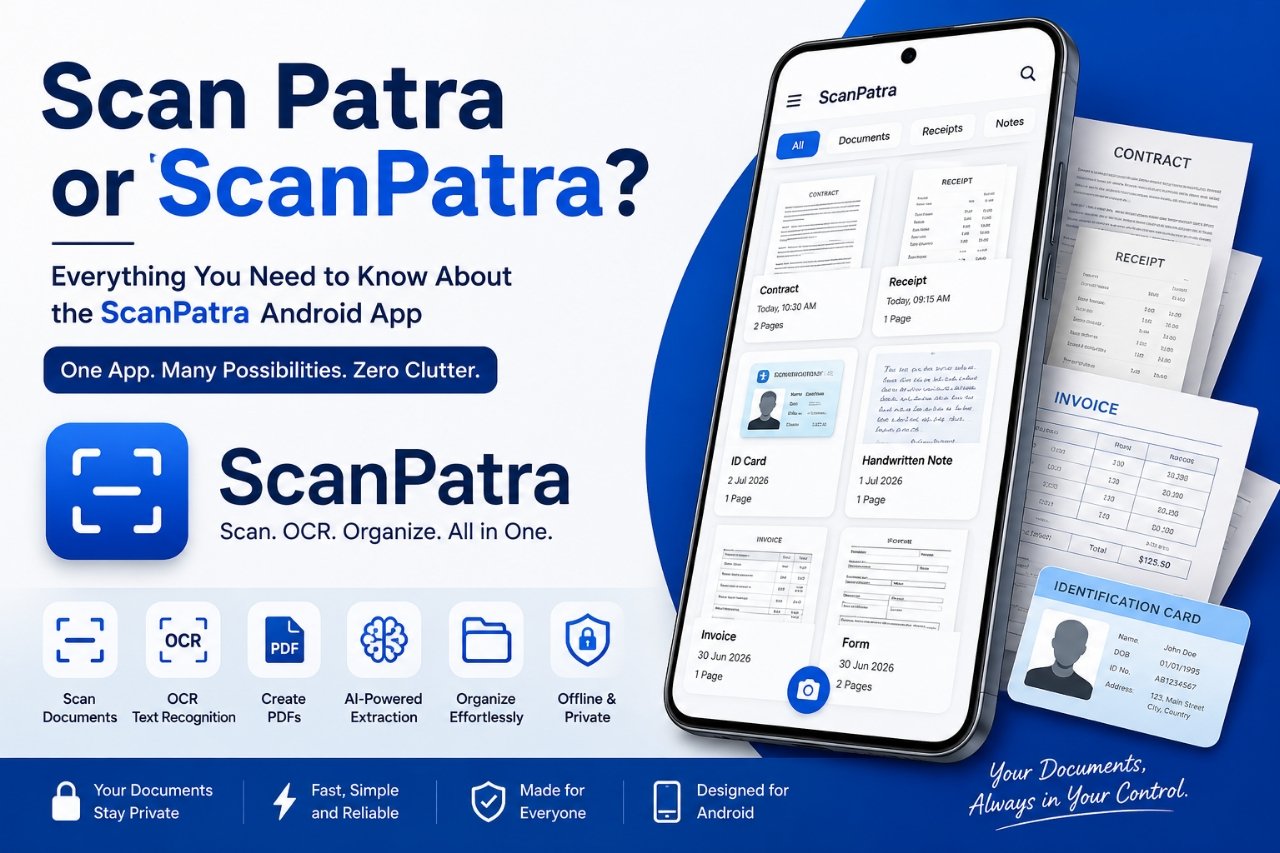
If you've searched for Scan Patra, ScanPatra, Scan Patra app, or ScanPatra app, you're looking for the same Android application.
ScanPatra is the official name of the app, written as a single word. However, many people naturally search for it as Scan Patra because the name combines two familiar words. Both spellings refer to the same document scanning and PDF management application.
This guide explains what ScanPatra is, why some users search for Scan Patra instead, and how the app helps you scan, organize, edit, and manage documents on Android.
What Is ScanPatra?
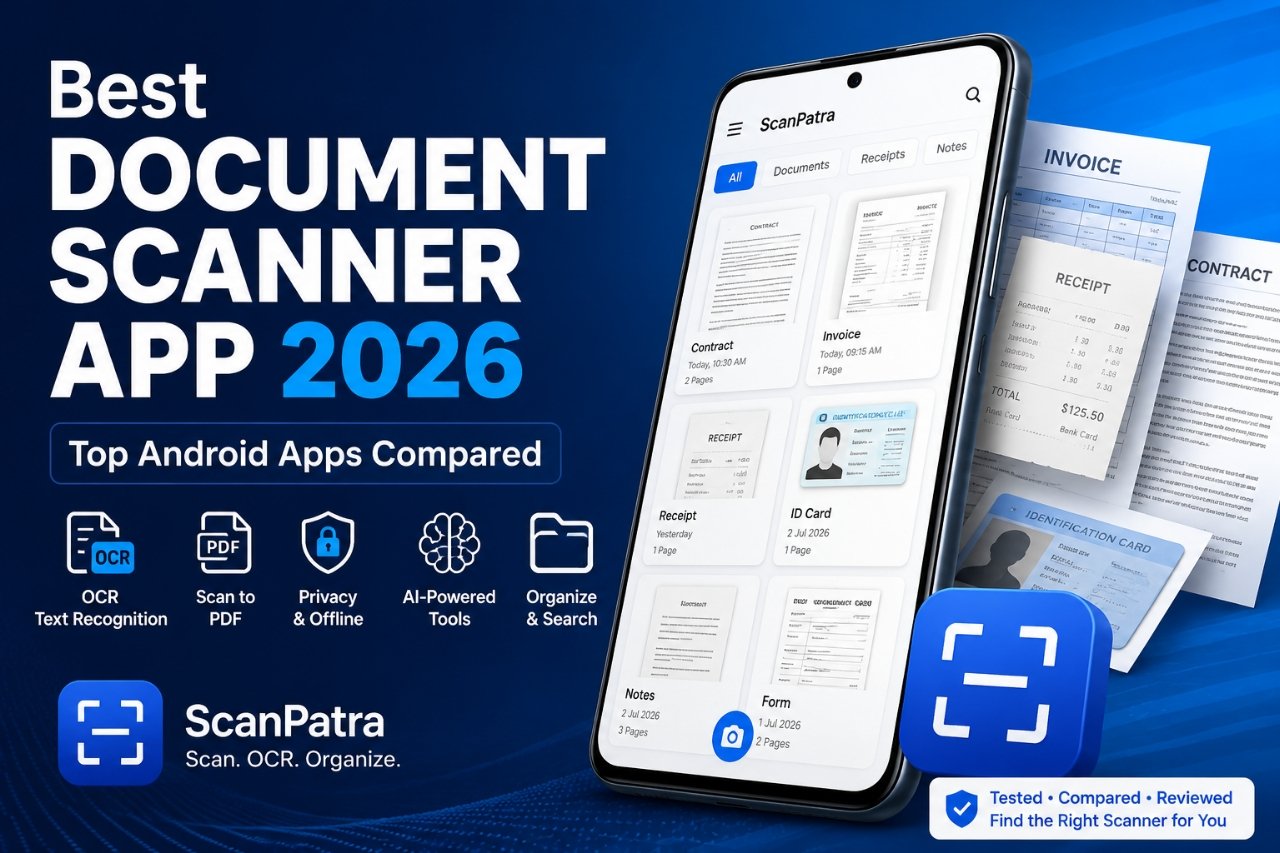
ScanPatra is an Android document scanner designed to help users digitize paper documents and organize them efficiently. It combines document scanning, OCR, PDF creation, and intelligent document management into a single application.
Whether you're scanning a receipt, invoice, handwritten note, identity document, assignment, or office paperwork, ScanPatra aims to make the process quick and organized.
Many users searching for Scan Patra document scanner or ScanPatra scanner are simply looking for this application.
Why Do People Search for "Scan Patra"?
The official brand name is ScanPatra, but search habits vary.
Some users naturally separate the name into two words when typing into Google or the Play Store, resulting in searches such as:
- Scan Patra
- Scan Patra app
- Scan Patra scanner
- Scan Patra PDF scanner
- Scan Patra OCR app
These searches all refer to the same application.
Because both spellings are common, this guide uses both naturally to help users quickly find the correct information.
Tip: Whether you search for "ScanPatra" or "Scan Patra," you're looking for the same Android document scanner.
What Can ScanPatra Do?
ScanPatra includes a wide range of tools for everyday document management.
Some of its key capabilities include:
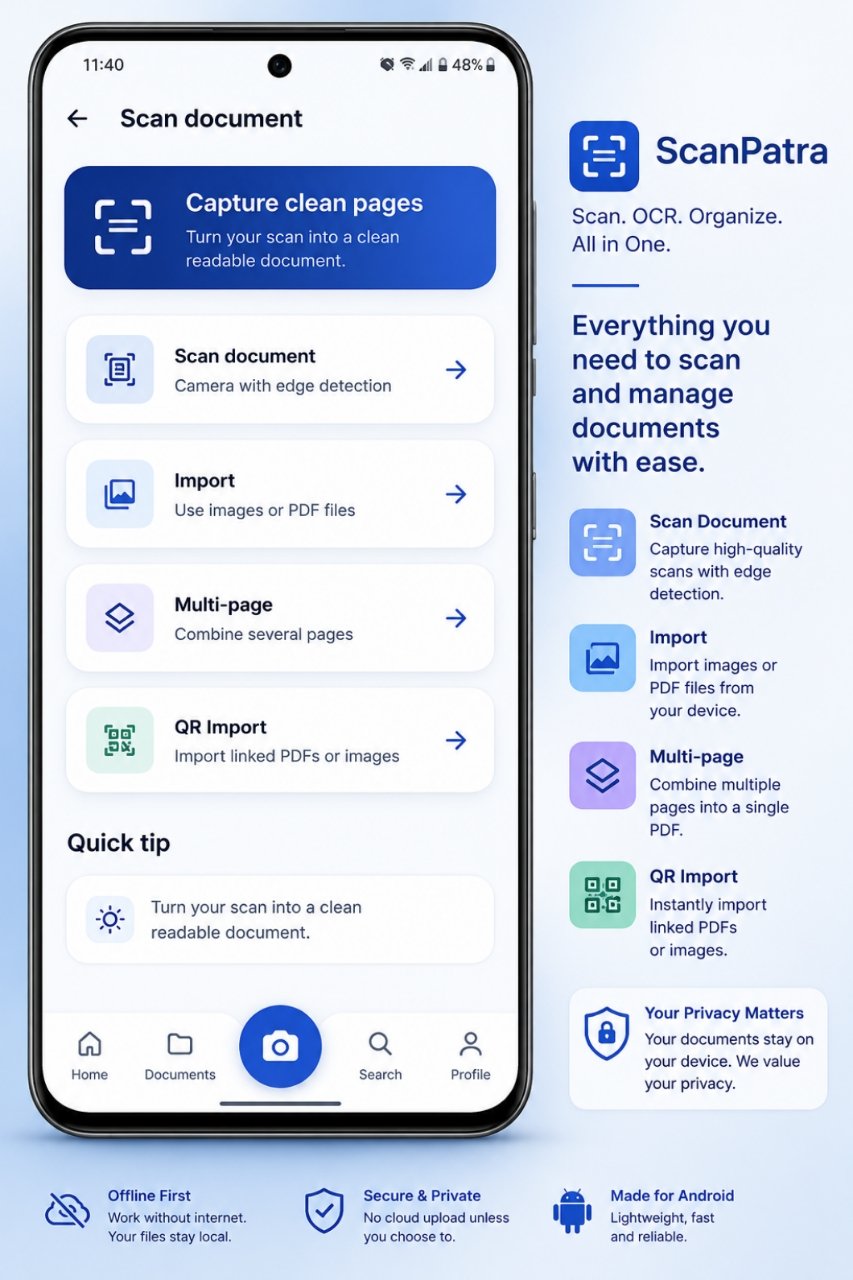
- Document scanning
- OCR text recognition
- Multi-page PDF creation
- AI-assisted document extraction
- Folder organization
- Local document storage
- Search scanned documents
- Receipt management
- Prescription scanning
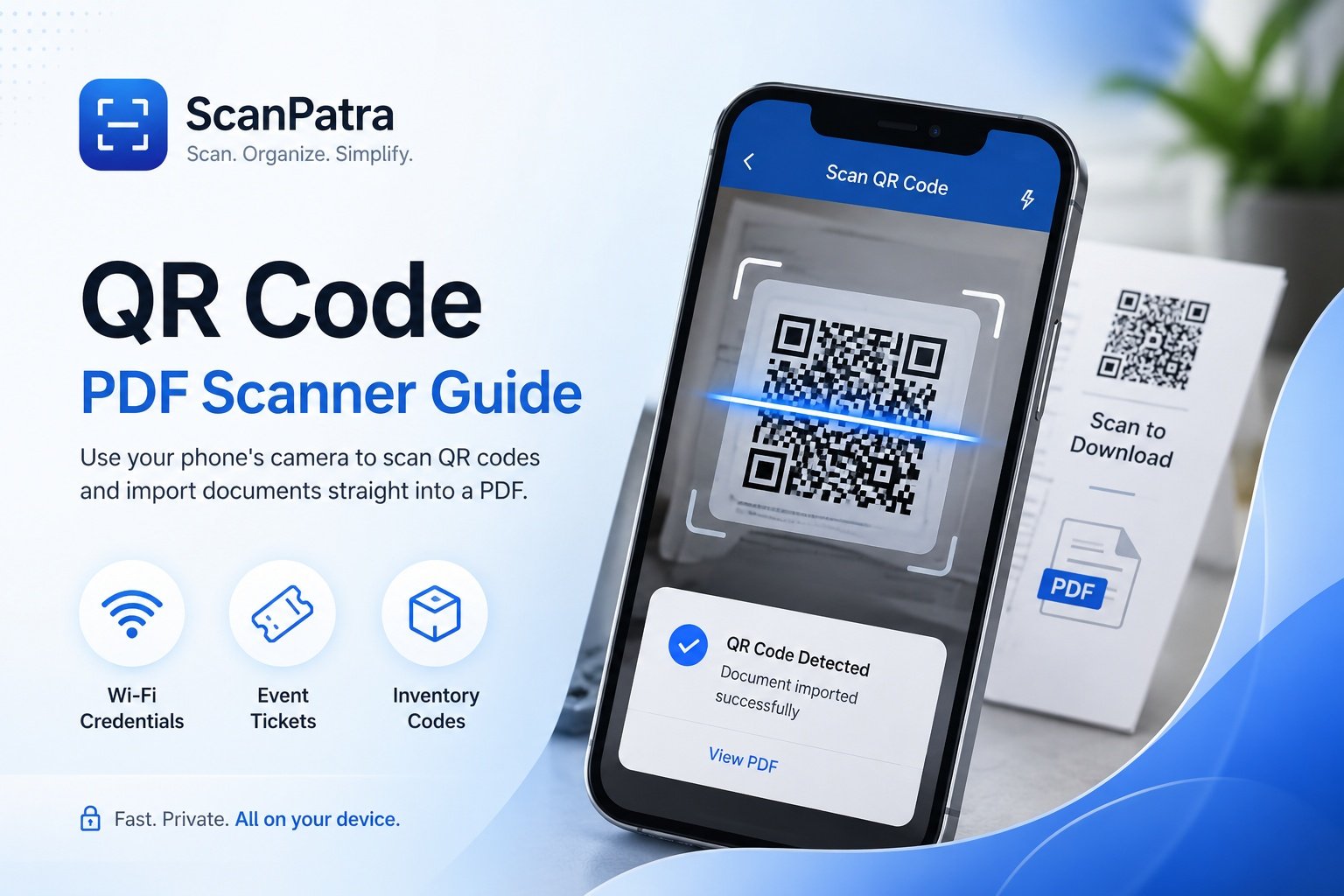
- QR document import
- Image enhancement
- PDF export
If you're new to OCR, read our guide on OCR for scanned documents.
Who Is ScanPatra Designed For?
ScanPatra is built for anyone who regularly works with paper documents.
Common use cases include:
- Students scanning notes and assignments
- Professionals managing office paperwork
- Journalists digitizing interview notes
- Government employees organizing official documents
- Small businesses storing invoices
- Freelancers managing contracts
- Families preserving important records
Because documents remain organized within folders, finding them later becomes much easier.
OCR Makes Documents Searchable
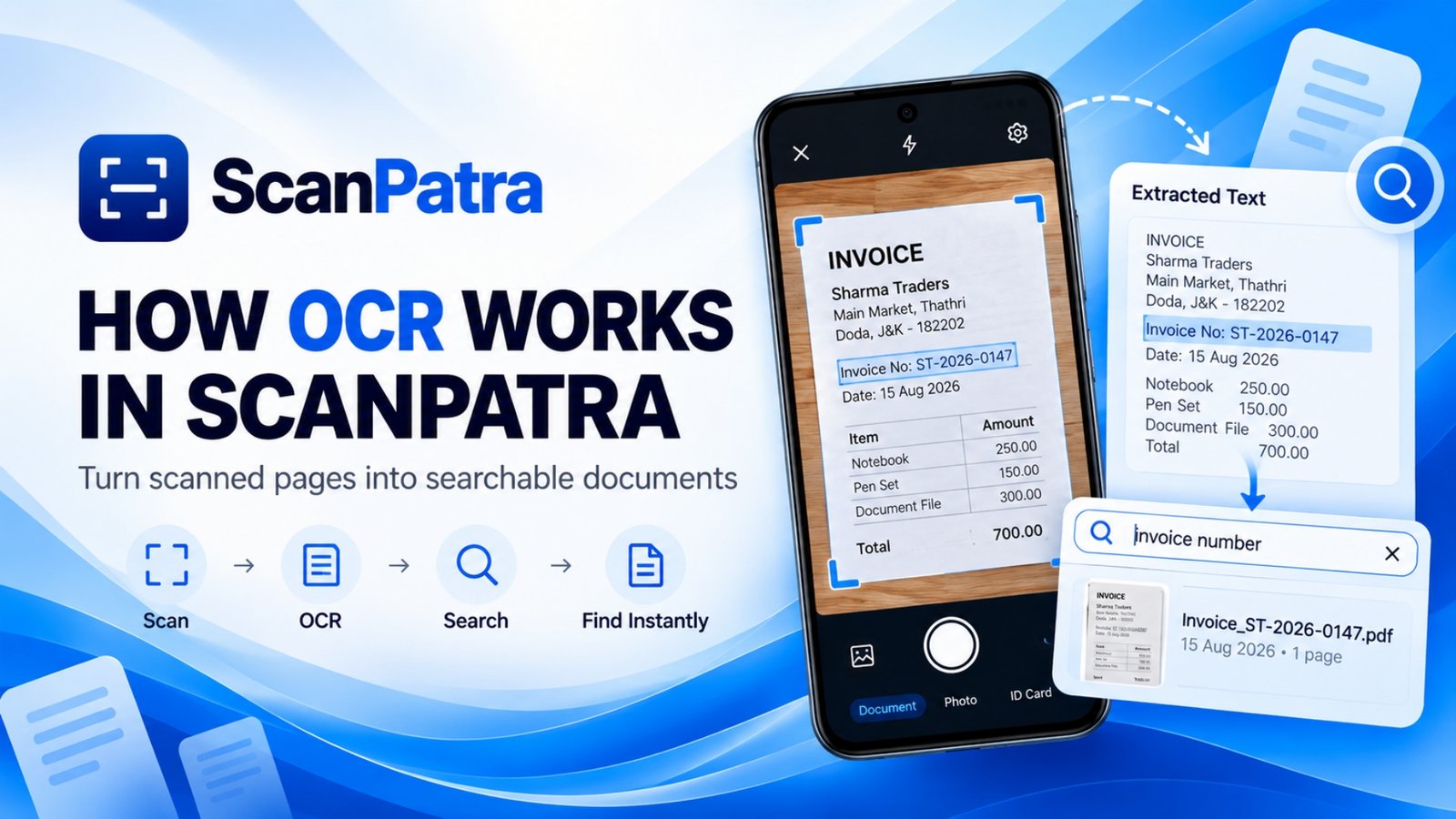
One of the most useful features in ScanPatra is Optical Character Recognition (OCR).
OCR converts printed text inside scanned images into searchable text, making it easier to locate documents without remembering file names.
For example, after scanning an invoice, you can later search using:
- Invoice number
- Company name
- Date
- Product description
Learn more in our detailed guide on how OCR works on Android.
AI Features in ScanPatra
Modern document scanning involves more than simply taking a picture.
ScanPatra includes AI-powered capabilities that help users work with scanned documents more efficiently.
These features may include:
- Structured document extraction
- Better document organization
- Improved document readability
- Smarter search
- Automatic document identification
These tools are designed to reduce manual effort while keeping document management simple.
Offline-First Document Management
Privacy is an important consideration when scanning personal documents.
Many users prefer to keep their files stored locally rather than automatically uploading everything to cloud services.
ScanPatra follows an offline-first approach for core document management, allowing users to maintain greater control over their files while still offering additional features when needed.
This makes it suitable for documents such as:
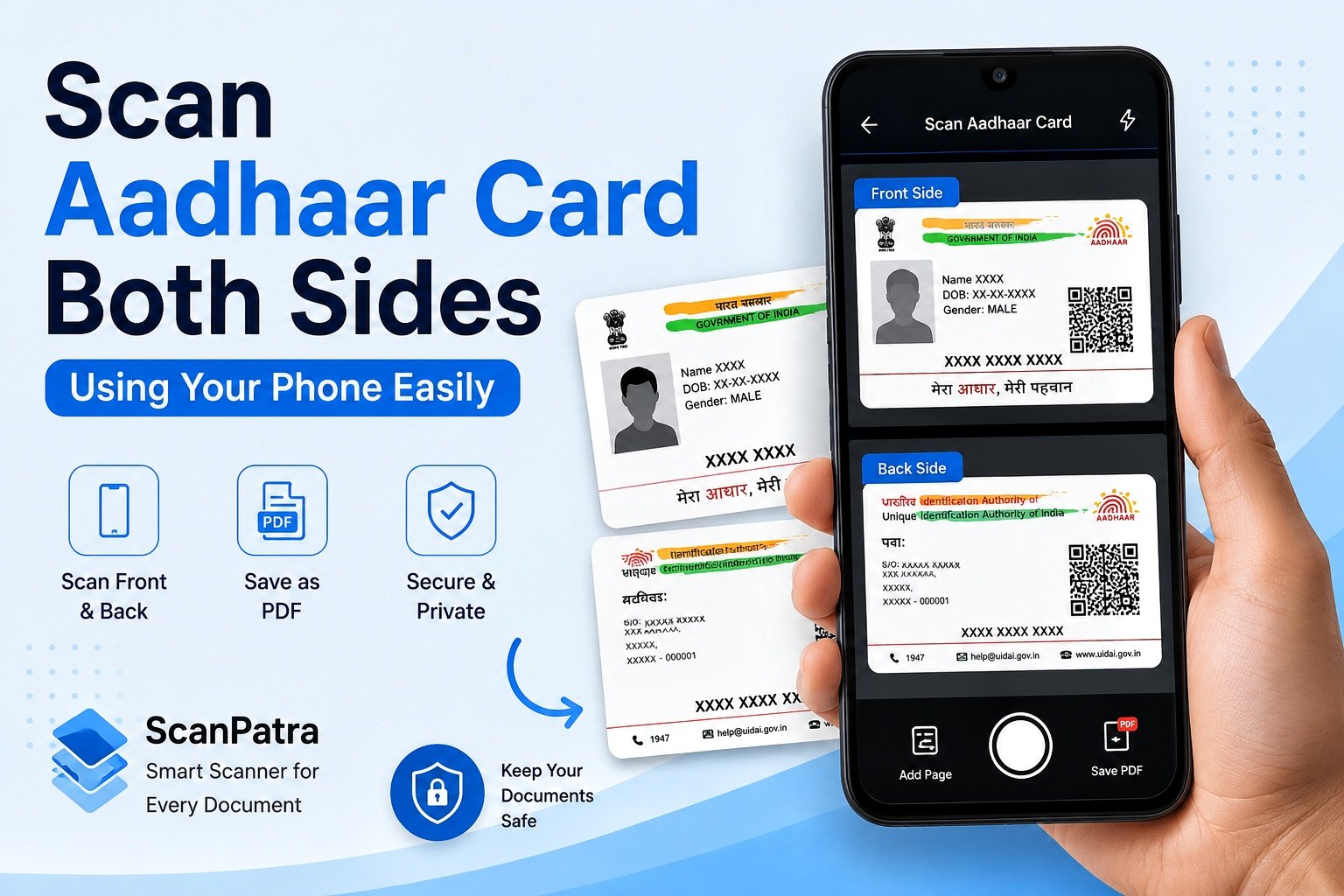
- Identity cards
- Certificates
- Tax documents
- Academic records
- Medical prescriptions
- Business paperwork
PDF Scanning Made Simple
Creating PDFs is one of the most common reasons people install a scanner app.
ScanPatra supports:
- Single-page PDFs
- Multi-page PDFs
- High-quality scans
- Document cropping
- Rotation
- Image enhancement
If you frequently edit PDFs after scanning, you may also like our guides on merging PDF files on Android and compressing PDF files.
Why the Name ScanPatra?
The official product name is ScanPatra, written as one word.
Like many technology brands, the name is intentionally combined into a single brand identity. However, it is perfectly normal for users to search using the separated version, Scan Patra, especially when hearing the name for the first time.
Regardless of which spelling you use, both refer to the same Android application.
Common Search Terms
People often search using different variations of the brand name.
ScanPatra
| Search Variant | Meaning |
|---|---|
| ScanPatra | Official app name |
| ScanPatra app | Android application |
| ScanPatra scanner | Document scanner |
| ScanPatra PDF scanner | PDF scanning features |
Scan Patra
| Search Variant | Meaning |
|---|---|
| Scan Patra | Common spelling variation |
| Scan Patra app | Android application |
| Scan Patra scanner | Document scanner |
| Scan Patra document scanner | Same ScanPatra app |
Why Consistent Branding Matters
Using a consistent brand name helps users recognize the application across different platforms.
At the same time, acknowledging common search variations helps search engines understand that people looking for Scan Patra are searching for ScanPatra.
This improves discoverability while reducing confusion for new users.
Frequently Asked Questions
Is ScanPatra the same as Scan Patra?
Yes. ScanPatra is the official brand name, while Scan Patra is a common search variation. Both refer to the same Android application.
Why do people search for Scan Patra?
Many users naturally separate the brand name into two words when searching online. This is common for branded application names.
What does ScanPatra do?
ScanPatra helps users scan paper documents, create PDFs, perform OCR, organize files, and manage documents on Android.
Is ScanPatra available for Android?
Yes. ScanPatra is designed specifically for Android devices.
Does ScanPatra support OCR?
Yes. OCR allows scanned documents to become searchable, making it easier to find important information later.
Can ScanPatra work offline?
Many core document management features are designed with an offline-first approach so users can manage files locally.
Final Thoughts
Whether you searched for ScanPatra, Scan Patra, ScanPatra app, or Scan Patra document scanner, you've reached the same application.
Understanding both spellings helps users find the correct information while reinforcing a consistent brand identity. As ScanPatra continues to evolve, its focus remains on making document scanning, OCR, PDF creation, and document organization simple, practical, and accessible for Android users.