
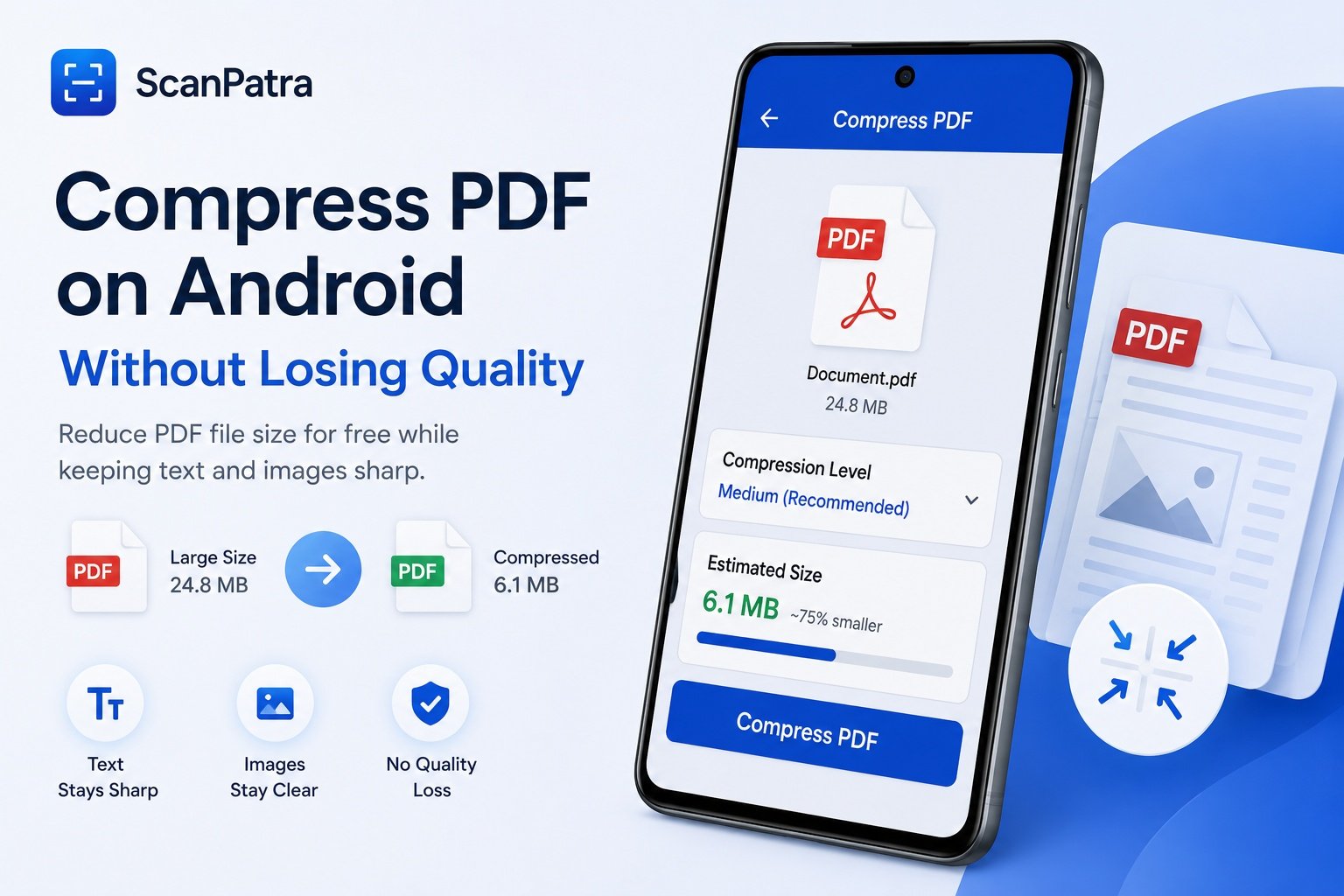
Large PDF files are slow to email and eat up storage. Here's how to shrink them on Android without making text blurry or images unusable.
How compression works
PDF compression mostly comes down to re-encoding embedded images at a lower resolution and stripping unused metadata.
When to compress
- Before emailing a scanned document
- Before uploading to a slow connection
- When storage is running low
Recommended settings
For most scanned documents, a medium compression level keeps text crisp while cutting file size by more than half.